> ## Documentation Index
> Fetch the complete documentation index at: https://mintlify-mintlify-add-hello-world-quickstart-48843.mintlify.site/llms.txt
> Use this file to discover all available pages before exploring further.
# 更新
> 跟踪变更与更新
使用 `Update` 组件以一致的格式展示更新日志、版本更新和发行说明。
## 示例更新
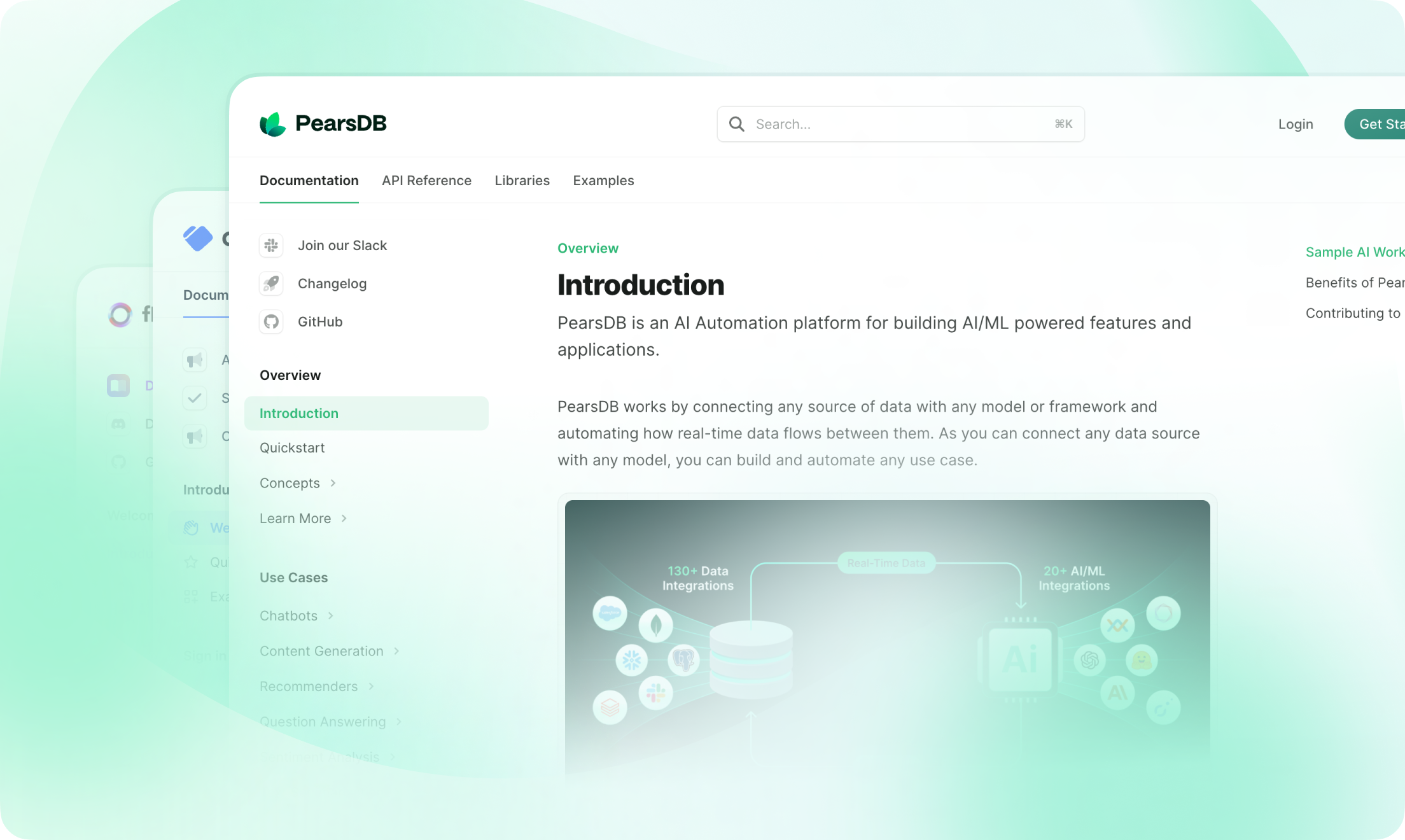
你可以在此添加任何内容,例如截图、代码片段或变更列表。
 ### 新增功能
* 响应式设计
* 为每次更新提供锚点
* 为每次更新生成 RSS 订阅条目
### 新增功能
* 响应式设计
* 为每次更新提供锚点
* 为每次更新生成 RSS 订阅条目
## 使用指南
```mdx 更新示例
这是一个包含标签、描述和标记的更新。
```
使用多个 `Update` 组件可创建[变更日志](/zh/guides/changelogs)。
## Props
更新的标注。显示在更新左侧,并生成一个锚点链接。标注应保持唯一。
更新的标签。显示在右侧面板的筛选器中。
更新的描述。显示在标注和标签下方。